> For the complete documentation index, see [llms.txt](https://docs.realmacsoftware.com/elements-docs/llms.txt). Markdown versions of documentation pages are available by appending `.md` to page URLs; this page is available as [Markdown](https://docs.realmacsoftware.com/elements-docs/elements-language/template/what-are-templates.md).

# What are Templates?

{% hint style="info" %}
**Templates** here means ready-made page sections users insert from the Templates browser — for a component's `templates/` directory see [Component Templates](/elements-docs/elements-language/component/templates.md).
{% endhint %}

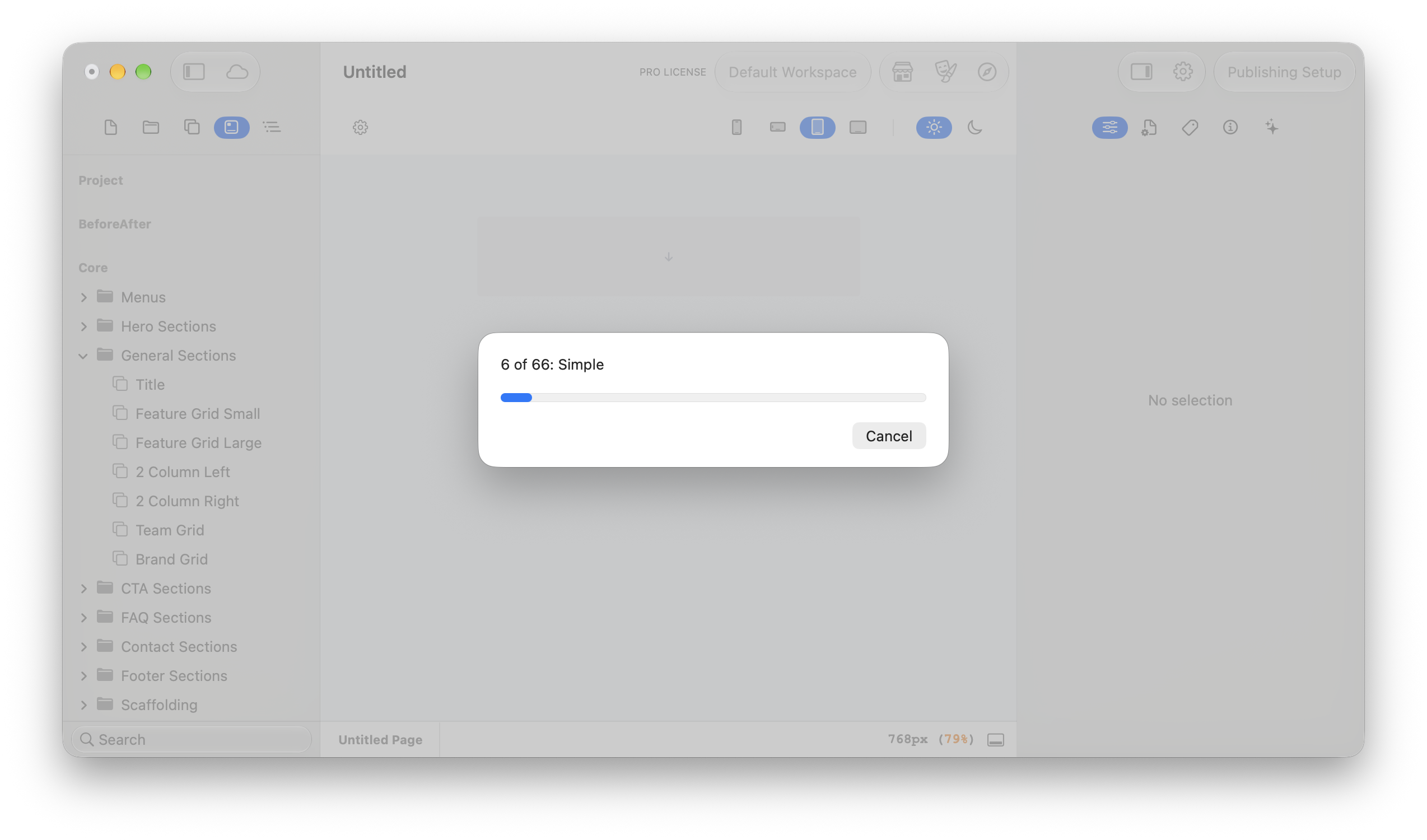
Templates are pre-built page sections — a hero, a feature grid, a menu bar — assembled from components with all their property values already dialled in. An Element Pack can ship them alongside its components, and users insert them from the Templates browser to get a finished, styled section in one drop instead of assembling it component by component.

Unlike components, templates are not hand-coded. You build the section on the canvas in Elements, then save it into your pack — Elements serialises the whole arrangement for you. That's why the [Element Pack overview](/elements-docs/elements-language/element-pack/what-is-an-element-pack.md) recommends creating templates (like resources and themes) inside the Elements app rather than in an editor.

## Where Templates Live in a Pack

A pack that ships templates carries two things at its root: a `templates/` directory of template folders, and a `templates.json` manifest describing how they appear in the browser. This is the real layout of the open-source Core Pack:

```
Core.elementsdevpack/
├── info.json
├── templates.json                                    # Manifest: the tree shown in the Templates browser
└── templates/
    ├── 10DFAB6B-4F4F-408B-8EB4-4D8DA58E7988/         # One folder per template, named by its identifier
    │   └── template.json                             # Serialised snapshot of the section
    └── 0577D11D-F3CA-43BD-84A5-923A35F7782B/
        ├── template.json
        └── 04D32224-016A-4D8F-A063-E09D37DFC9E9.svg  # A resource bundled with this template
```

## The templates.json Manifest

`templates.json` defines the folder tree users see in the Templates browser. It is a nested structure of nodes, where every node has a `title`, a unique `identifier`, a `kind` of either `{"folder": {}}` or `{"item": {}}`, a `children` array, and an `expanded` flag. Folder nodes have `"item": null`; item nodes carry an `item` object whose `itemIdentifier` names the matching folder inside `templates/`. Here is one branch of the Core Pack's manifest, trimmed to a single child:

```json
{
  "title": "Hero Sections",
  "identifier": "5A0D029E-9272-4DF7-8AEA-5E9AFC70D0C6",
  "kind": { "folder": {} },
  "item": null,
  "expanded": false,
  "children": [
    {
      "title": "Simple",
      "identifier": "849B4497-7FE4-4D68-8D23-791DC41EE5B5",
      "kind": { "item": {} },
      "expanded": false,
      "item": {
        "kind": "prefab",
        "itemIdentifier": "10DFAB6B-4F4F-408B-8EB4-4D8DA58E7988",
        "id": "EE9577BE-239F-4B8D-AC95-BB961283C1E6"
      },
      "children": []
    }
  ]
}
```

Follow that `itemIdentifier` and you land on `templates/10DFAB6B-4F4F-408B-8EB4-4D8DA58E7988/template.json` — the "Simple" hero itself.

## Inside template.json

Each `template.json` is a machine-generated snapshot of the section as it stood when it was saved: its `title` and `identifier`, a `_rootNode`, and an `_allNodes` map holding every component instance in the section — each node records which component it is (its `elementId`, such as `com.realmacsoftware.flex`), its parent, and the full set of property values the designer chose. Alongside those sit `_globals`, `_customComponents`, and a `_resources` array. These files are written by Elements when you save a template; treat them as generated output, not something to author or edit by hand.

## Templates and Resources

Templates are self-contained. If a section uses an image or an SVG, the file is bundled inside the template's own folder — named by its resource identifier — and catalogued in the `_resources` array of `template.json`, which records metadata such as the resource's `identifier`, `name`, and type. The Core Pack's "List Item" template, for example, ships a `check.svg` right beside its `template.json`, so the section renders complete wherever it is inserted.

## Templates-Only Packs

A pack doesn't need components at all. The "Core Templates v2" pack ships nothing but a `templates/` directory, its `templates.json`, and a `resources.json` — its `info.json` simply declares `"categories": ["templates"]`. If your product is a library of ready-made sections, this is all the structure you need.

## Related Documentation

* [What is an Element Pack?](/elements-docs/elements-language/element-pack/what-is-an-element-pack.md)
* [What are Resources?](/elements-docs/elements-language/resource/what-are-resources.md)
* [What is a Component?](/elements-docs/elements-language/component/components.md)
* [Component Templates](/elements-docs/elements-language/component/templates.md)


---

# Agent Instructions
This documentation is published with GitBook. GitBook is the documentation platform designed so that both humans and AI agents can read, navigate, and reason over technical content effectively. Learn more at gitbook.com.

## Querying This Documentation
If you need additional information that is not directly available in this page, you can query the documentation dynamically by asking a question.

Perform an HTTP GET request on the current page URL with the `ask` query parameter, and the optional `goal` query parameter:

```
GET https://docs.realmacsoftware.com/elements-docs/elements-language/template/what-are-templates.md?ask=<question>&goal=<endgoal>
```

`ask` is the immediate question: it should be specific, self-contained, and written in natural language.
`goal` is optional and describes the broader end goal you are ultimately trying to accomplish on behalf of the user. GitBook uses it to tailor the answer towards what is most useful for that goal.

The response will contain a direct answer to the question and relevant excerpts and sources from the documentation.

Use this mechanism when the answer is not explicitly present in the current page, you need clarification or additional context, or you want to retrieve related documentation sections.